Documentation Index

Fetch the complete documentation index at: https://docs.aion.to/llms.txt

Use this file to discover all available pages before exploring further.

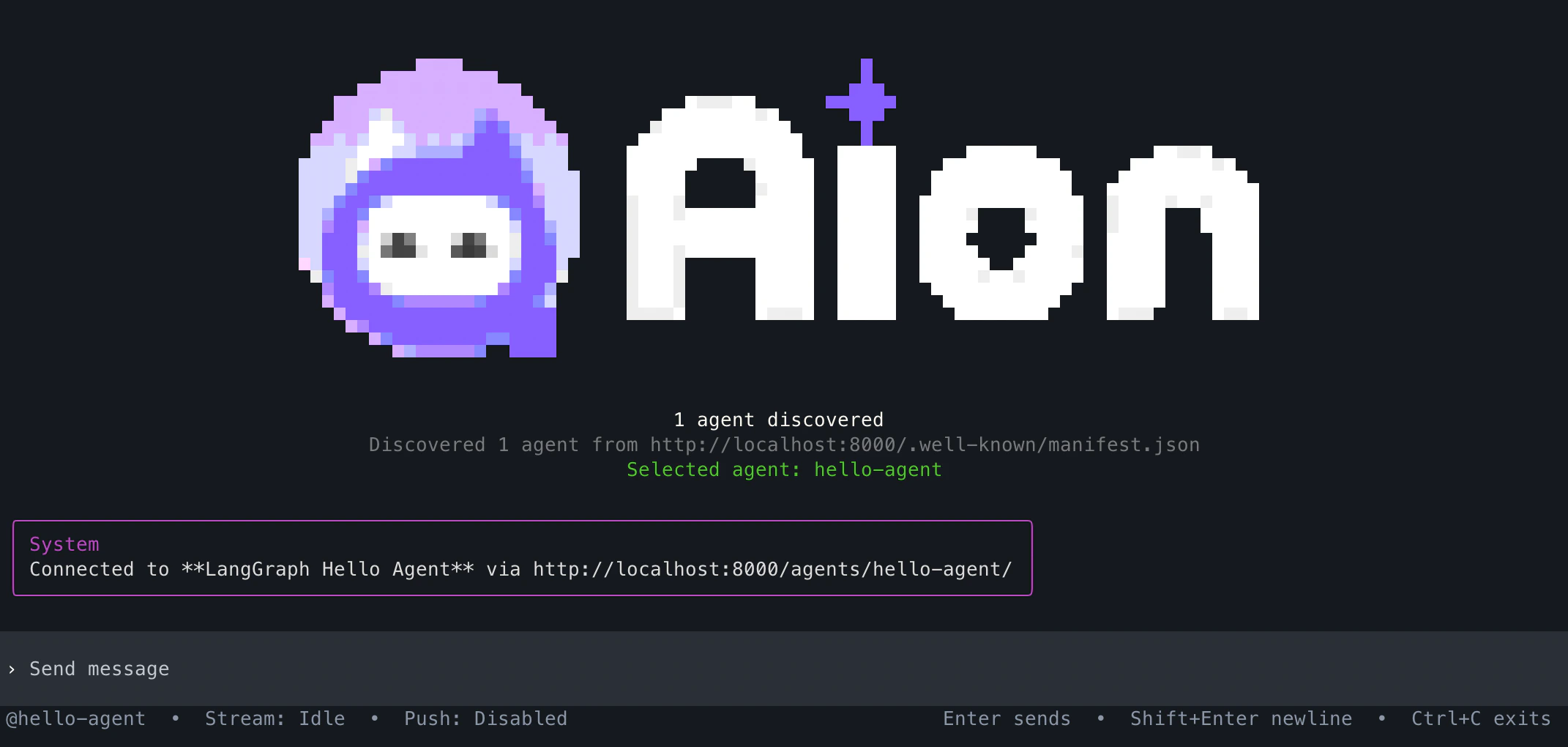
Aion Chat terminal interface aion chat opens the Aion terminal chat interface from the Python SDK CLI. Use it to test an A2A-compatible agent from a local project or through an Aion proxy. By default, aion chat connects to http://localhost:8000.

Usage

aion chat [OPTIONS]

Options

OptionDescription
--url, --host, -uAgent or proxy URL. Default http://localhost:8000.
--agent-idAgent identifier for proxy-aware routing.
--tokenBearer token for authenticated endpoints.
--headerCustom HTTP header in key=value format. Can be repeated.
--push-notificationsEnable the local push notification receiver.
--no-push-notificationsDisable push notifications.
--push-receiverPush notification receiver URL. Default http://localhost:5000.
--helpShow command help.

Examples

# Basic local chat
aion chat

# Chat through proxy for specific agent
aion chat --url http://localhost:8000 --agent-id support

# Connect to a deployed endpoint
aion chat --url https://agent.example.com

# Send custom headers
aion chat --header "X-Client=aion-cli"

# Send a bearer token
aion chat --token "$AION_TOKEN"

# Enable push notifications
aion chat --push-notifications --push-receiver http://localhost:5000

# Show command help
aion chat --help
Use aion --version to print the Python SDK CLI version.

Standalone Install

You can also install the chat interface as a standalone npm package:
npm install -g @terminal-research/aion
aio --url http://localhost:8000
See Aion Chat for standalone installation and usage.