

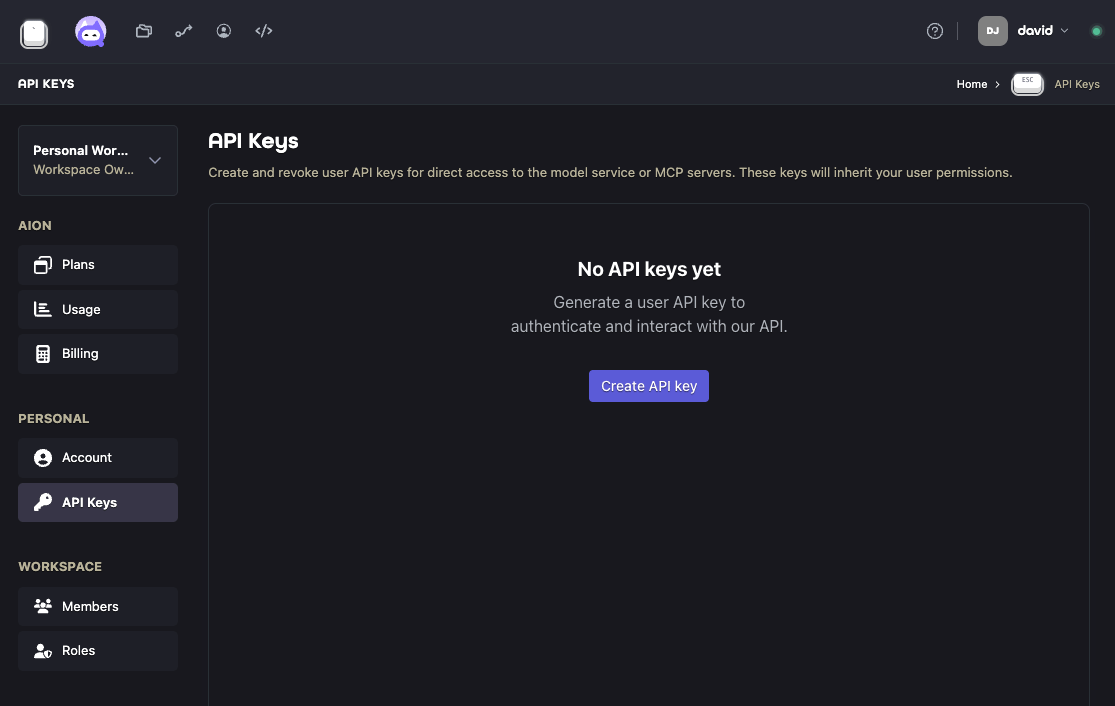
Creating an API key
In Aion, open Settings > Personal > API Keys and create a key. Copy it when it is shown; you may not be able to retrieve the full key later.What an API key can access
An API key acts as you. It inherits your user permissions, so it can access the same Aion resources that your account can access. Only certain Aion services accept personal API keys as bearer tokens:- Call Model Service endpoints from external clients
- Send authenticated requests to HTTP A2A endpoints
- Connect user-operated clients to MCP Service
AION_API_KEY and configure the client to send it as an
Authorization: Bearer credential. The MCP Servers page provides current Codex and Claude Code examples.
Each key is scoped to the organization selected when it is created. Requests still require your current organization
membership and permissions; a key does not grant access beyond your user account.
Keep API keys private. If a key is exposed or no longer needed, revoke it from
the API Keys page. New requests stop authenticating after the revocation has propagated.